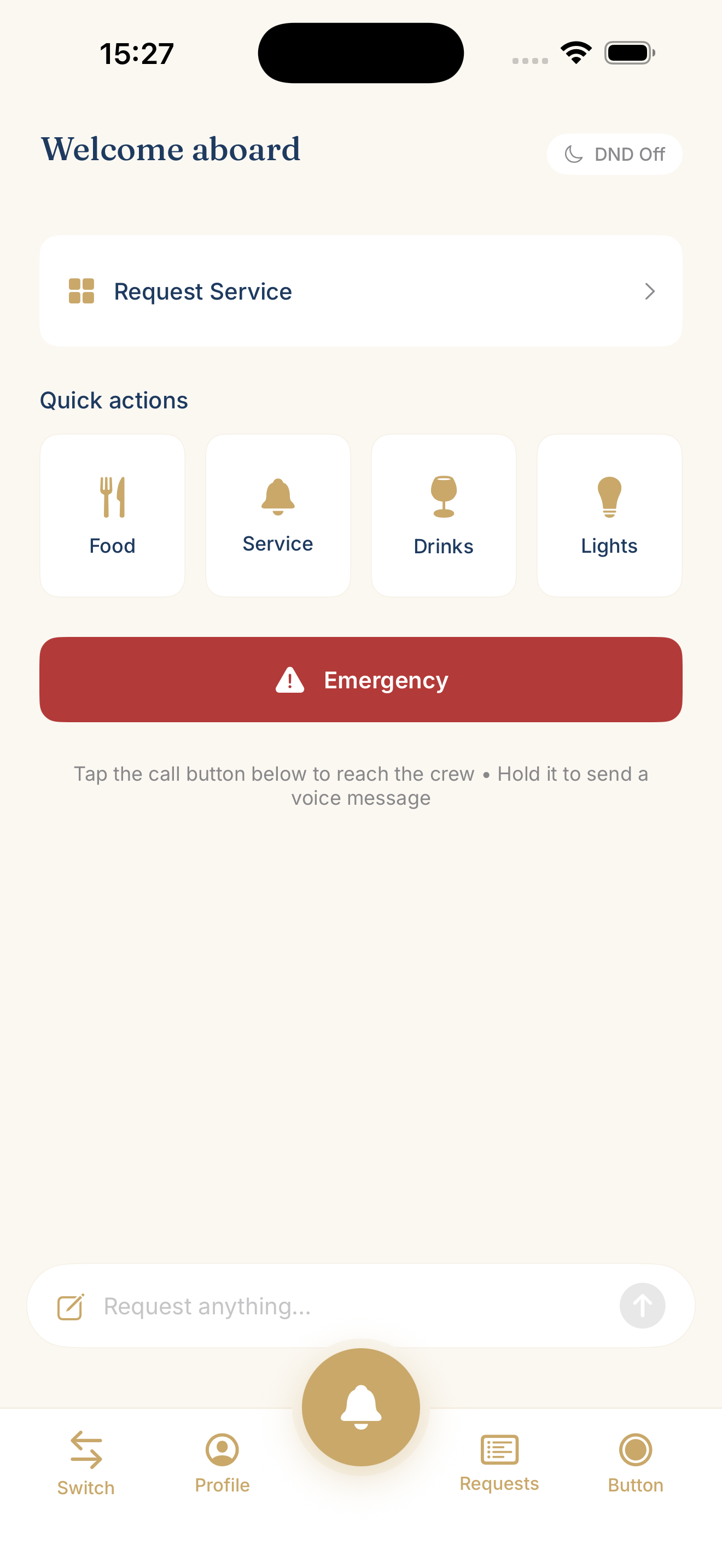
01On your phone
Everything starts
here.
Request service, choose a quick action or turn on Do Not Disturb. Tell the crew what you need before they come, so they can bring the right thing on the first visit.
OBEDIO Guest
A drink, fresh towels, a quiet evening. Ask in your own language and give the crew the details before they come to you. With OBEDIO Guest, service starts wherever you are.
The guest experience
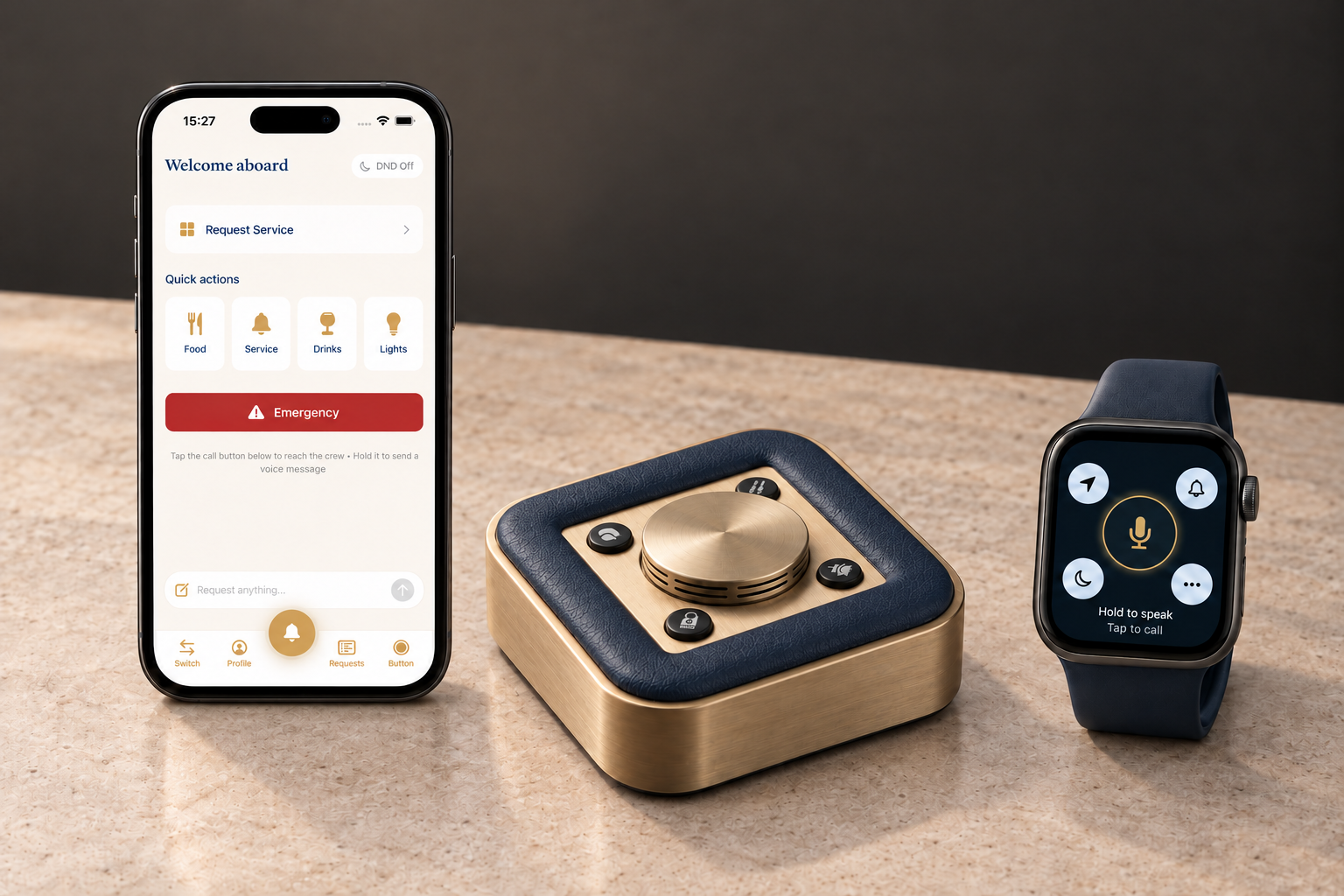
Three ways into the same service. Choose the one that feels natural in the moment.
Request service, choose a quick action or turn on Do Not Disturb. Tell the crew what you need before they come, so they can bring the right thing on the first visit.
Speak naturally. Your request becomes readable text, translated for the crew when needed. No need to find the right phrase in another language.
The SmartButton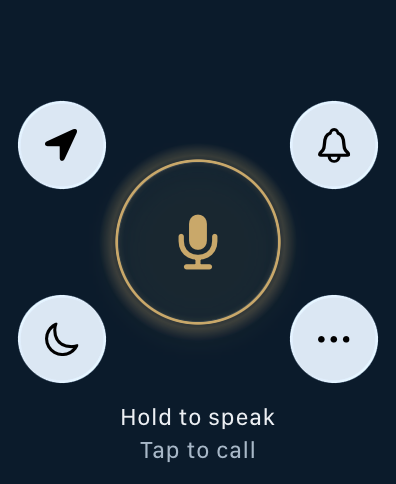
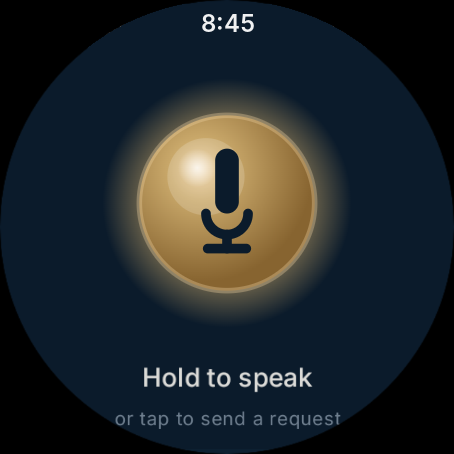
Send a quick request from your watch, without reaching for your phone. Available on Apple Watch and Wear OS.
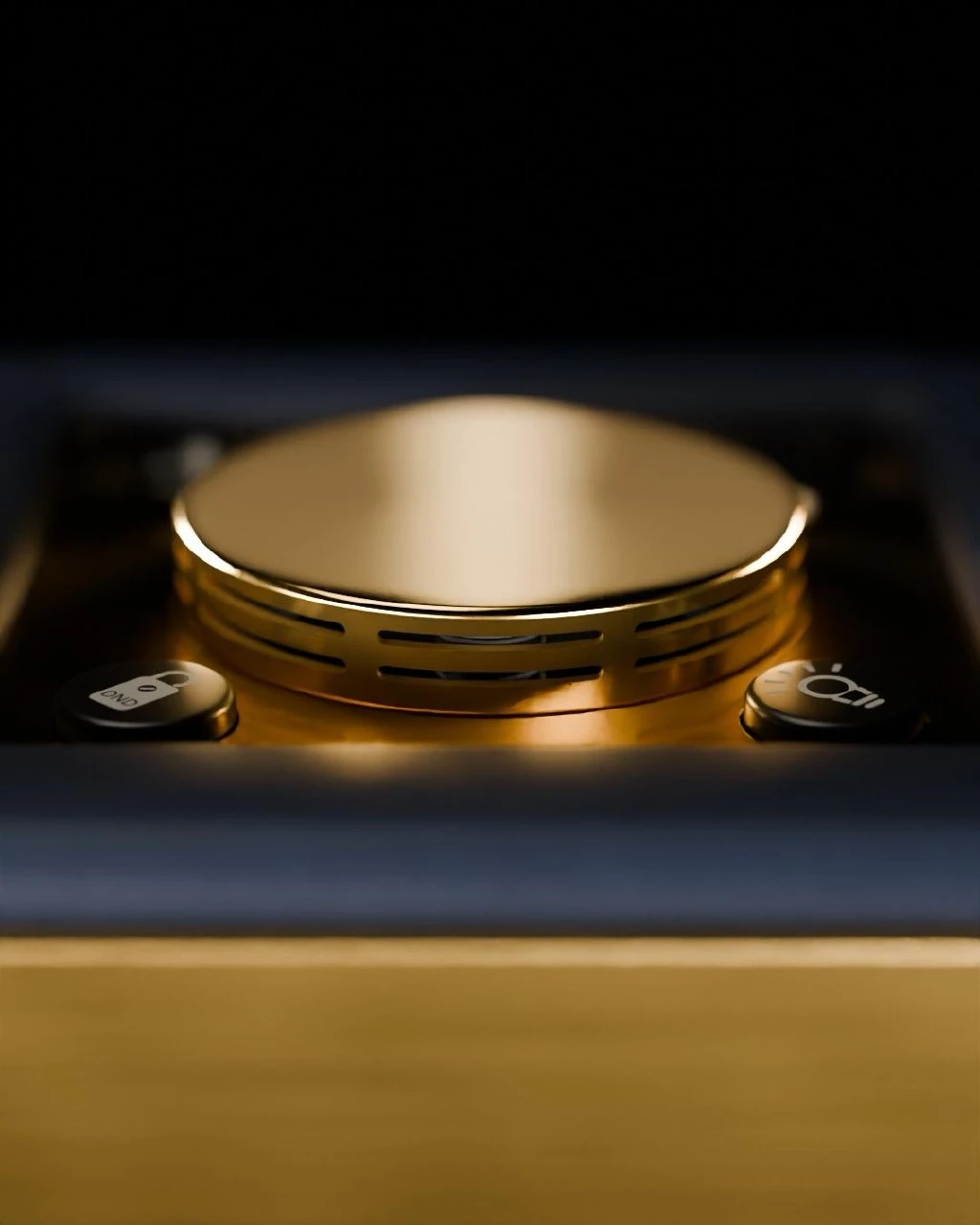
The SmartButton confirms acceptance with light and sound. In the Guest app, follow your request status. You know it has been taken, without asking again.
Share preferences, dietary needs and allergies with the crew. Keep familiar choices close, and use Do Not Disturb when you want privacy.
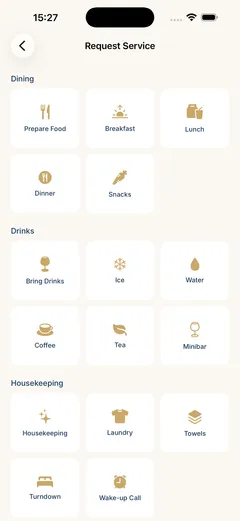
Explore the yacht's own service catalogue, from drinks and dining to housekeeping. Send a written or spoken request with the details that make it yours. Available services are set by your yacht.
Open live demoApp interfaces shown for illustration. Device frames are illustrative; screens and available features can vary by version and installation.
One role. More ways to connect.
Choose the Guest interface that suits the moment. Your phone gives you room to browse and add detail. Your watch keeps a quick request close to hand.
Speak, type or choose from the service catalogue. Follow requests, share preferences and set Do Not Disturb.
Send a quick request from your watch without reaching for your phone. The interface is designed for a brief interaction.
Features and connectivity vary by device and installation. Apple Watch connectivity has additional internet requirements.
How the devices connectSee how a request reaches the crew, where processing runs, and how acceptance comes back to the guest.
A personal walkthrough of the button, Guest app and Crew tools, shaped around your yacht or property.
info@obedio.de