Obedio Server on board
Local AI transcribes spoken requests and translates them in more than 100 languages, offline over the yacht's own network. No internet needed.
The OBEDIO system
A SmartButton, a phone or a watch is the starting point. OBEDIO connects the guest's request with the crew, the service operation and the systems already on board.
How it works
Follow one spoken request through the system. Typed requests and catalogue selections join the same service workflow without speech transcription.
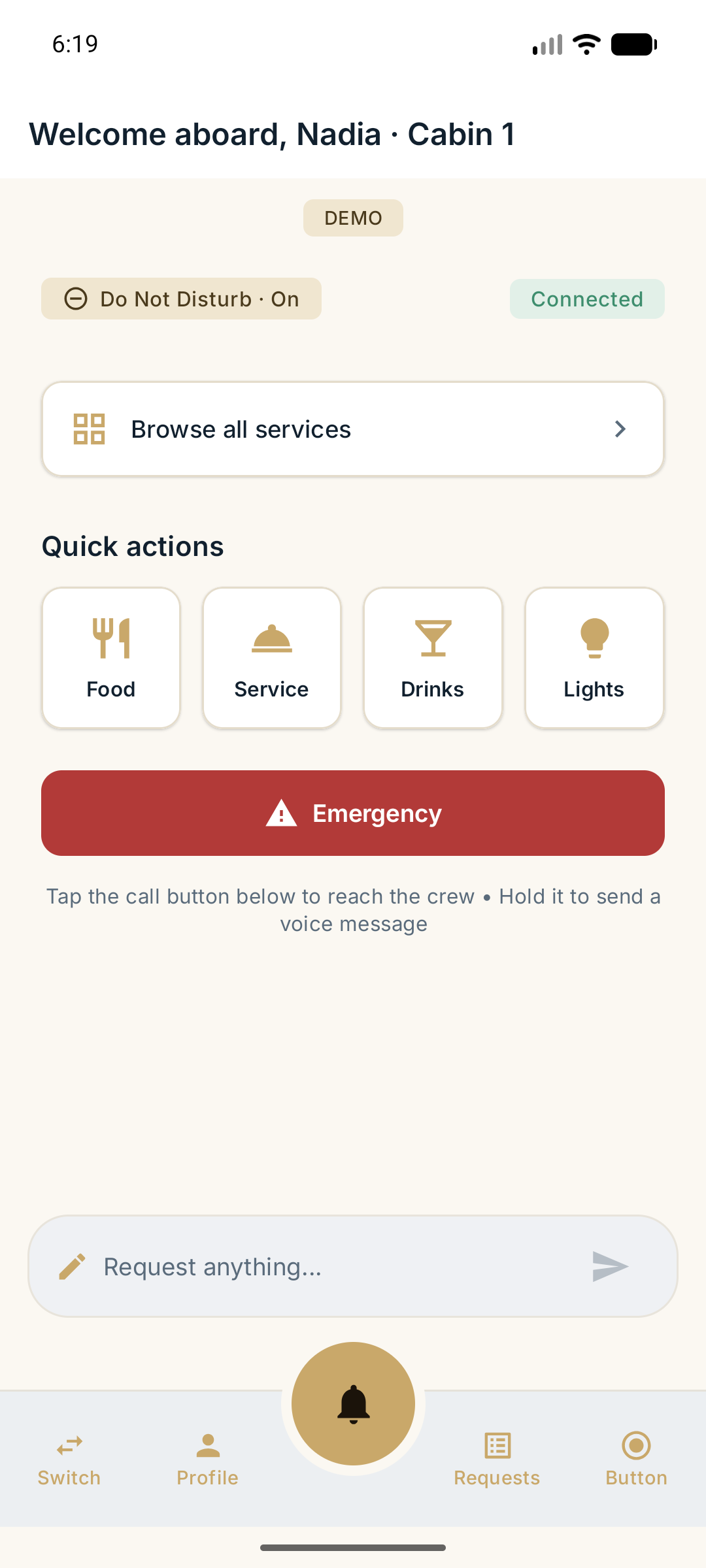
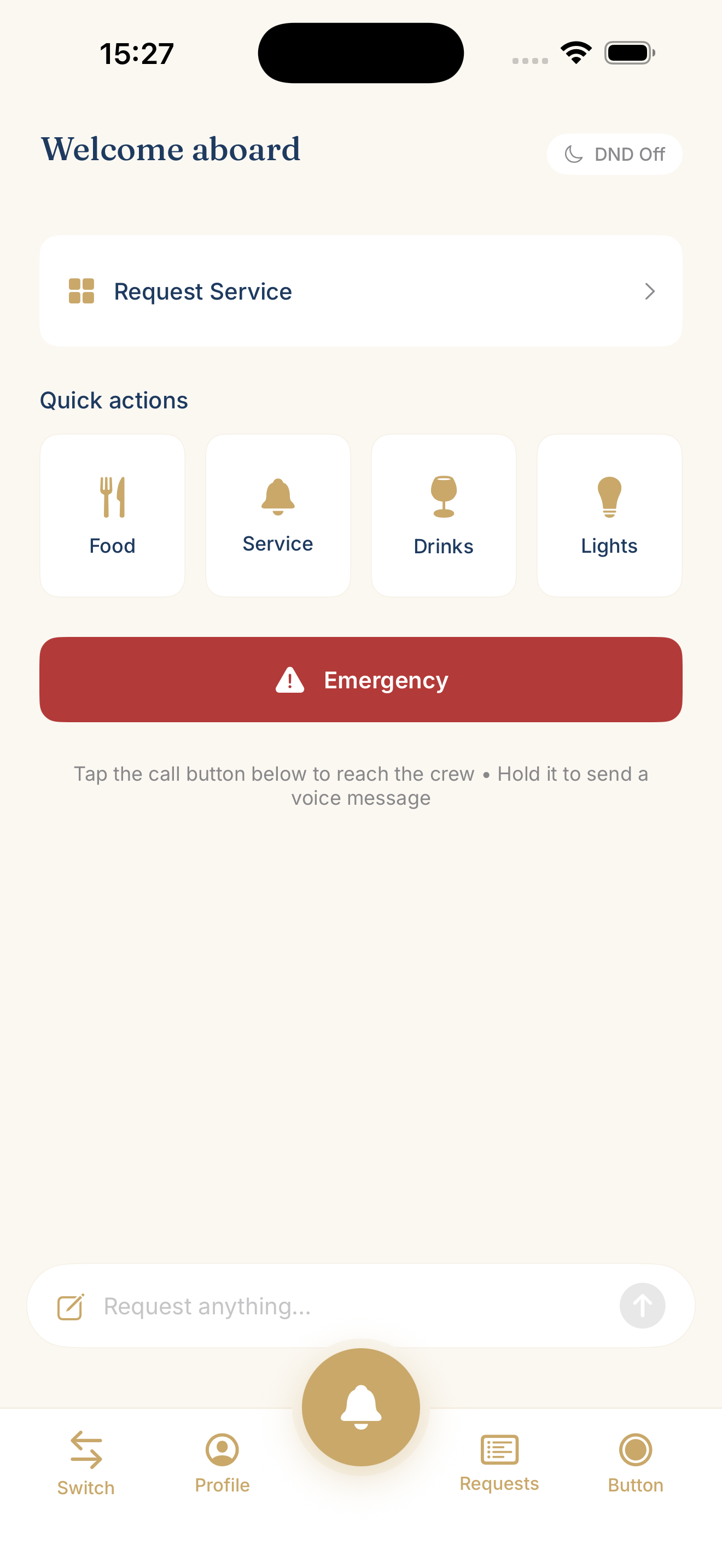
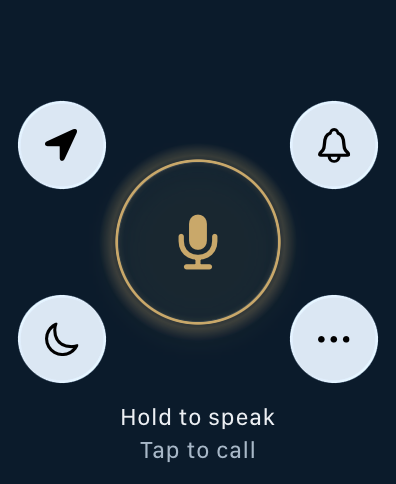
Press and speak with SmartButton, or use the Guest app on a phone or watch.
Speech becomes readable text, translated when needed. Processing runs on Obedio Server or in OBEDIO Cloud.
The request reaches the responsible crew with its location, using the duty roster and configured routing.
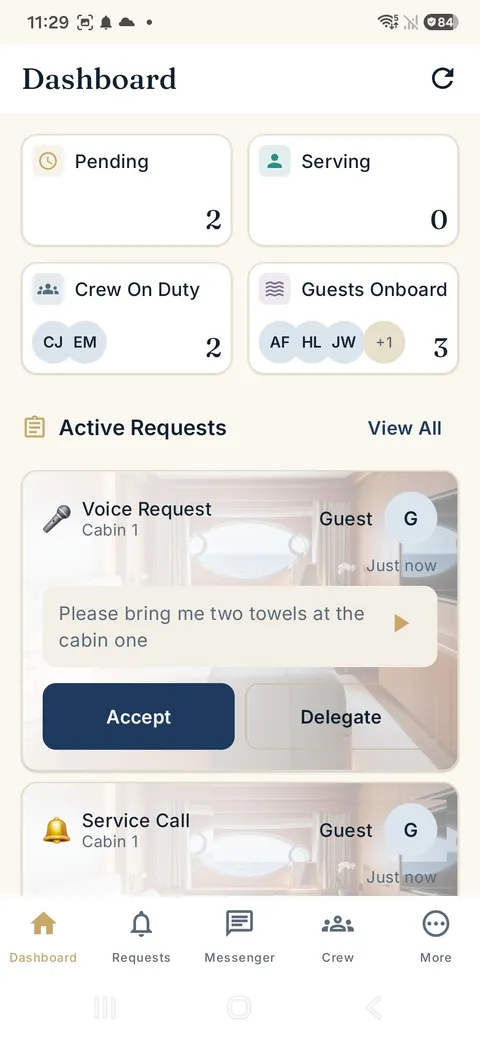
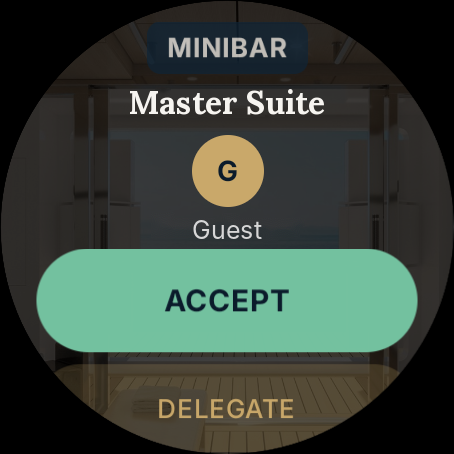
A crew member accepts or delegates. The team can see the request status.
Acceptance returns as light and sound on SmartButton, or a status update in the Guest app.
Server & AI
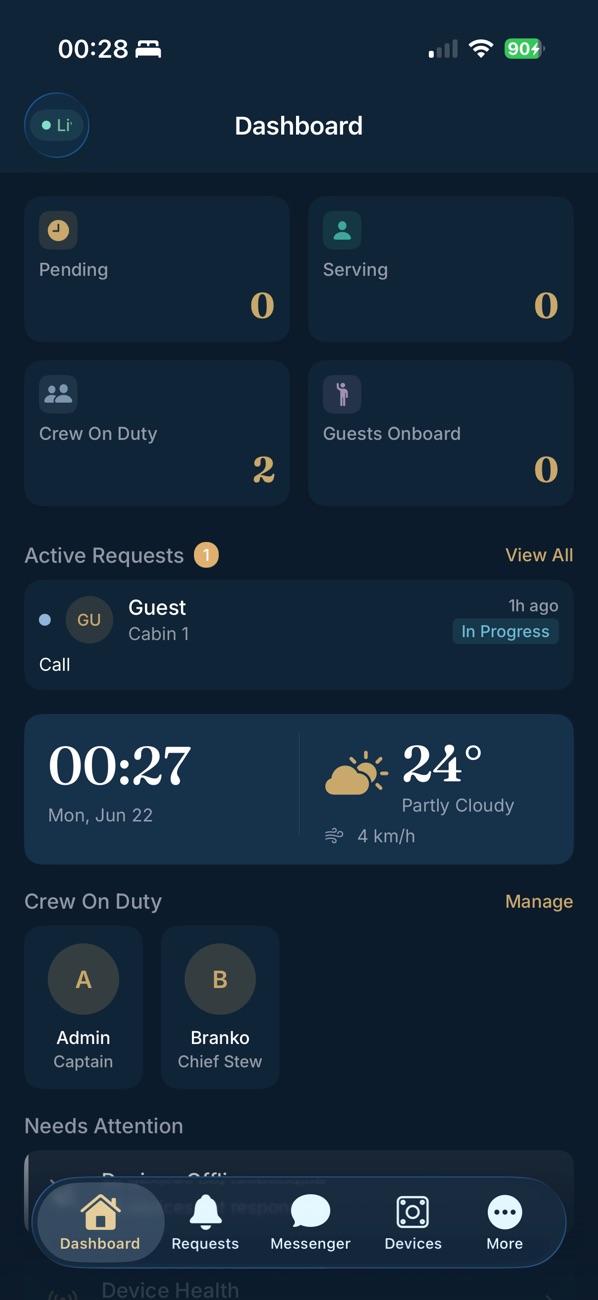
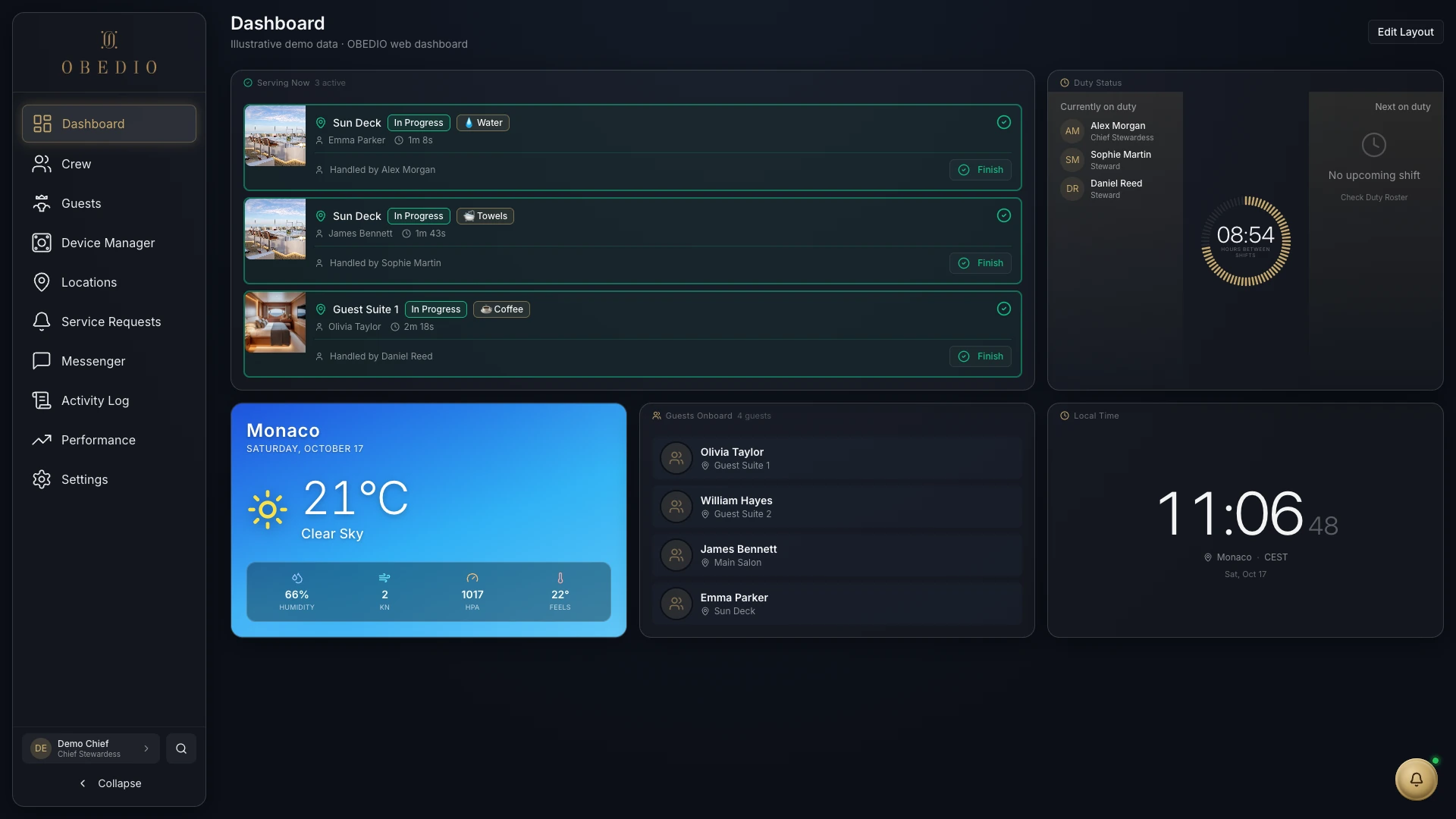
In the on-board installation, Obedio Server runs the processing and coordination. The dashboard gives the crew a shared overview of the service operation.
Local AI transcribes spoken requests and translates them in more than 100 languages, offline over the yacht's own network. No internet needed.
For an installation without an on-board server, requests are processed in OBEDIO Cloud over an internet connection. SmartButtons and Guest apps are separate choices, not requirements for one another. With Cloud, the apps can be ready within one day.
Fastest start
With OBEDIO Cloud there is no server to install and no hardware needed to begin. We set up your Cloud, your crew and guests download the apps, and service requests can run within one day. Add SmartButtons whenever you are ready.
Talk to us about CloudThe SmartButton microphone is unpowered by default and receives power when the main button is pressed. Voice processing happens on the server, not inside the button. Where it runs depends on the chosen installation.
SmartButton on the table, or Guest apps on iOS, Android, Apple Watch and Wear OS. Speak, type or choose, depending on the interface.
Explore GuestCrew apps on iOS, Android, Apple Watch and Wear OS keep requests close while the crew moves around the yacht.
Explore CrewA browser dashboard on a tablet or computer gives the team an overview of requests, duty rosters and devices.
See the Crew dashboardFeatures and connectivity vary by device and installation. Apple Watch connectivity has additional internet requirements.
Link guest and crew interfaces with installed control systems, or trigger agreed lighting and blind scenes. Each integration is scoped around the actual controller and installation.
Explore integration pathsThe SmartButton emergency gesture alerts crew with the guest location and any medical or allergy information already recorded, helping them respond with context.
In an emergency, shake or throw the SmartButton.
Seconds matter. OBEDIO delivers them.
A personal walkthrough of the button, Guest app and Crew tools, shaped around your yacht or property.
info@obedio.de